
This is very simple to setup, please follow the steps below.
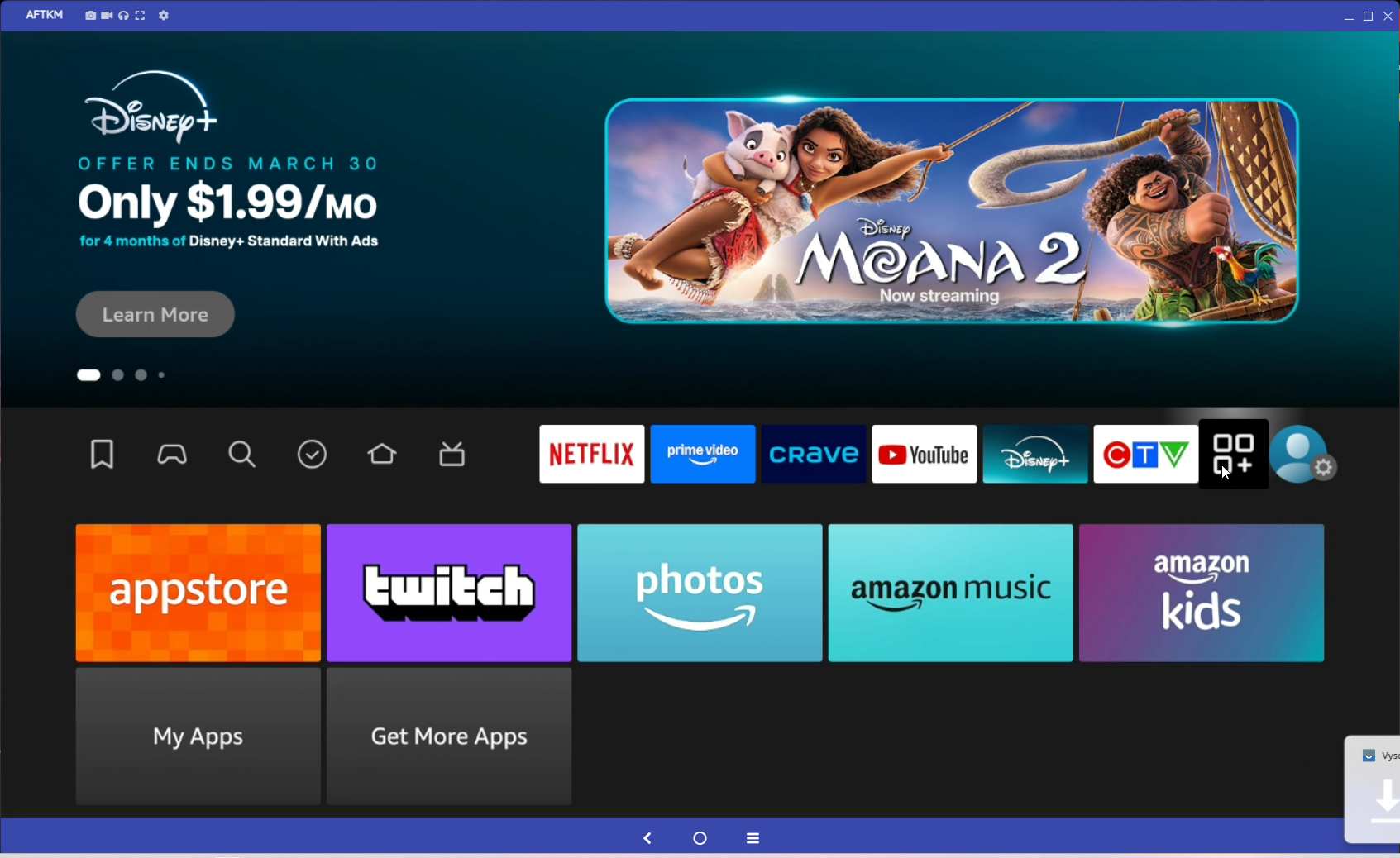
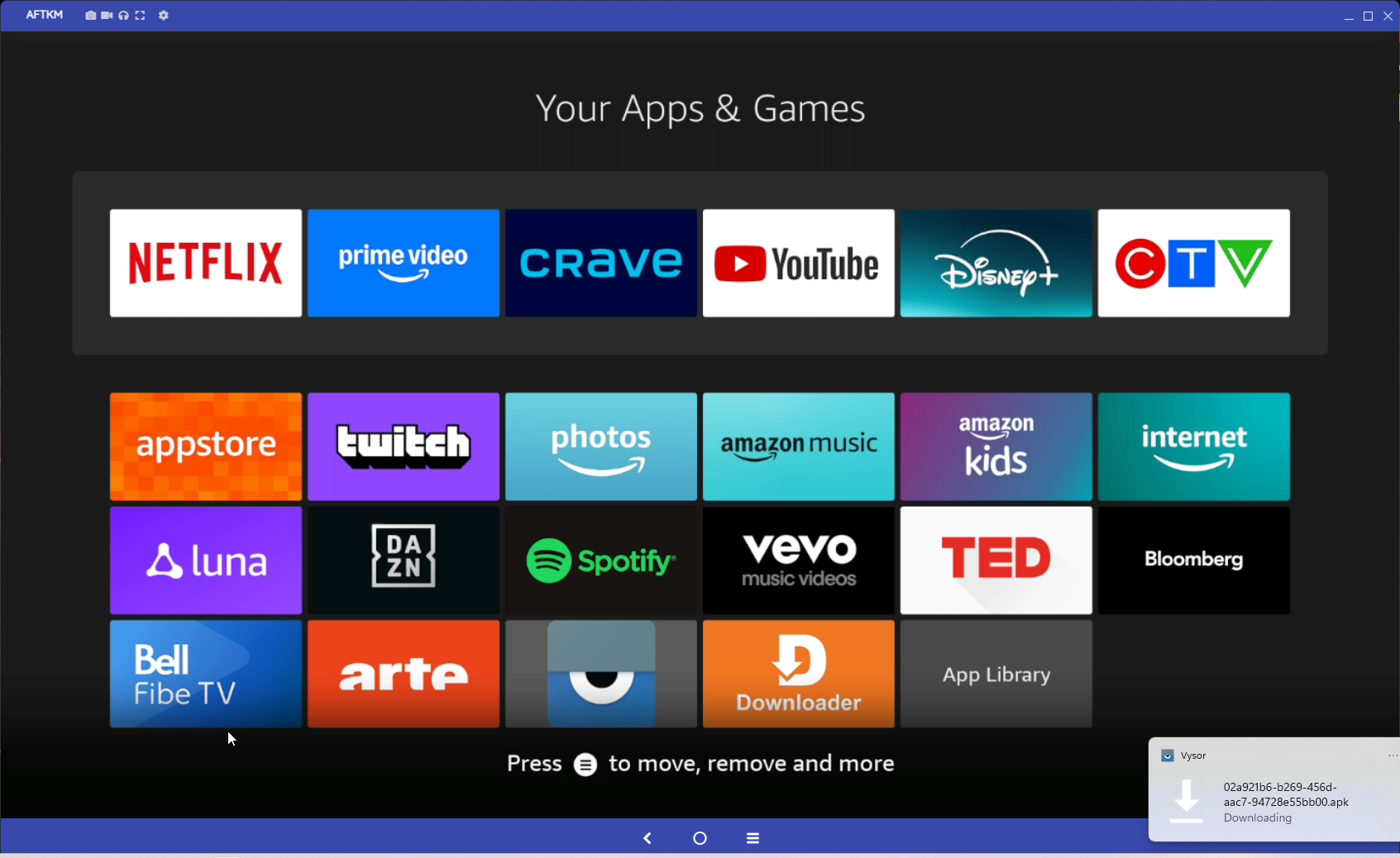
Go to the 3 Squares with Plus Sign icon, right beside the settings icon.
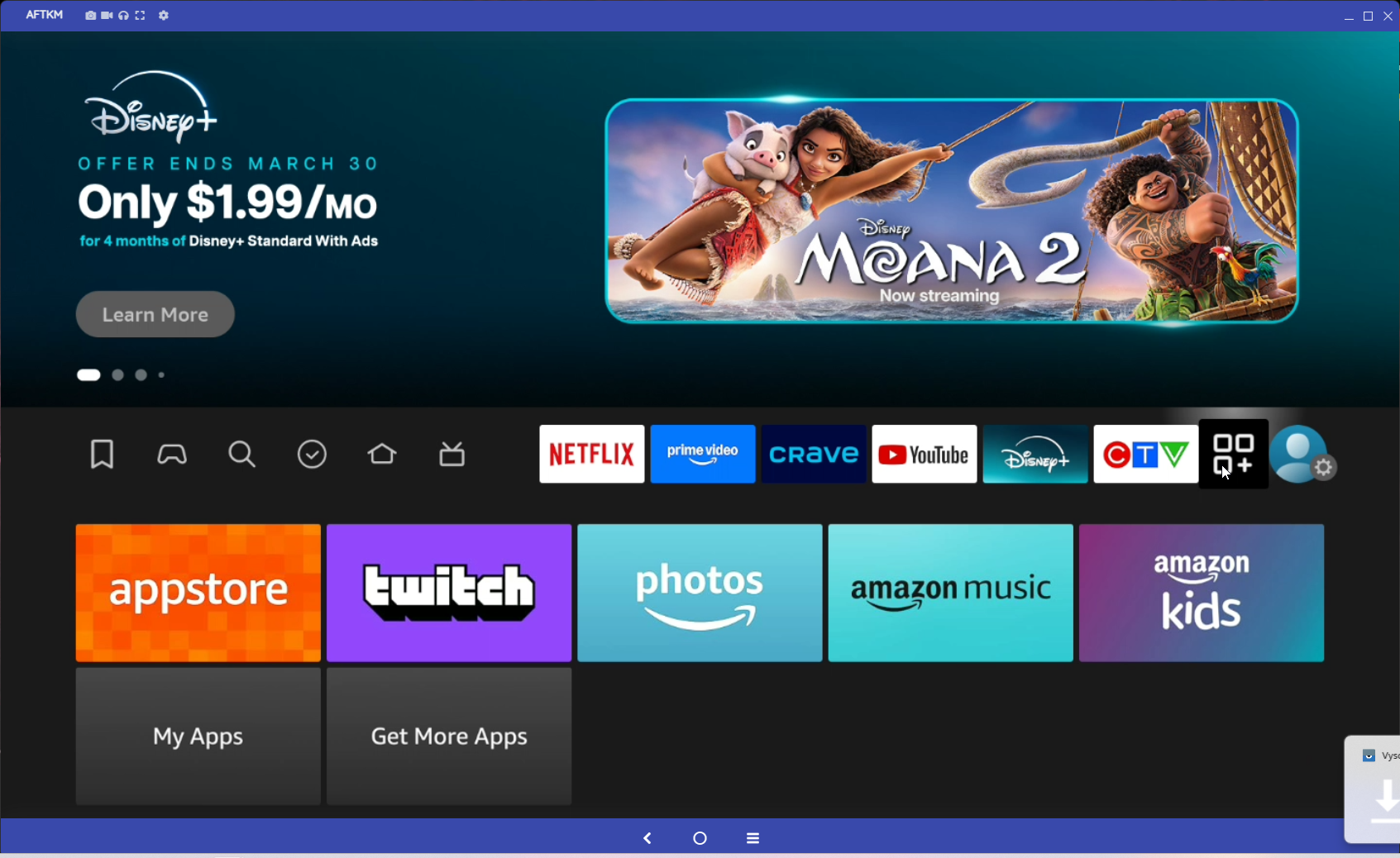
Then select My Apps and then App Library
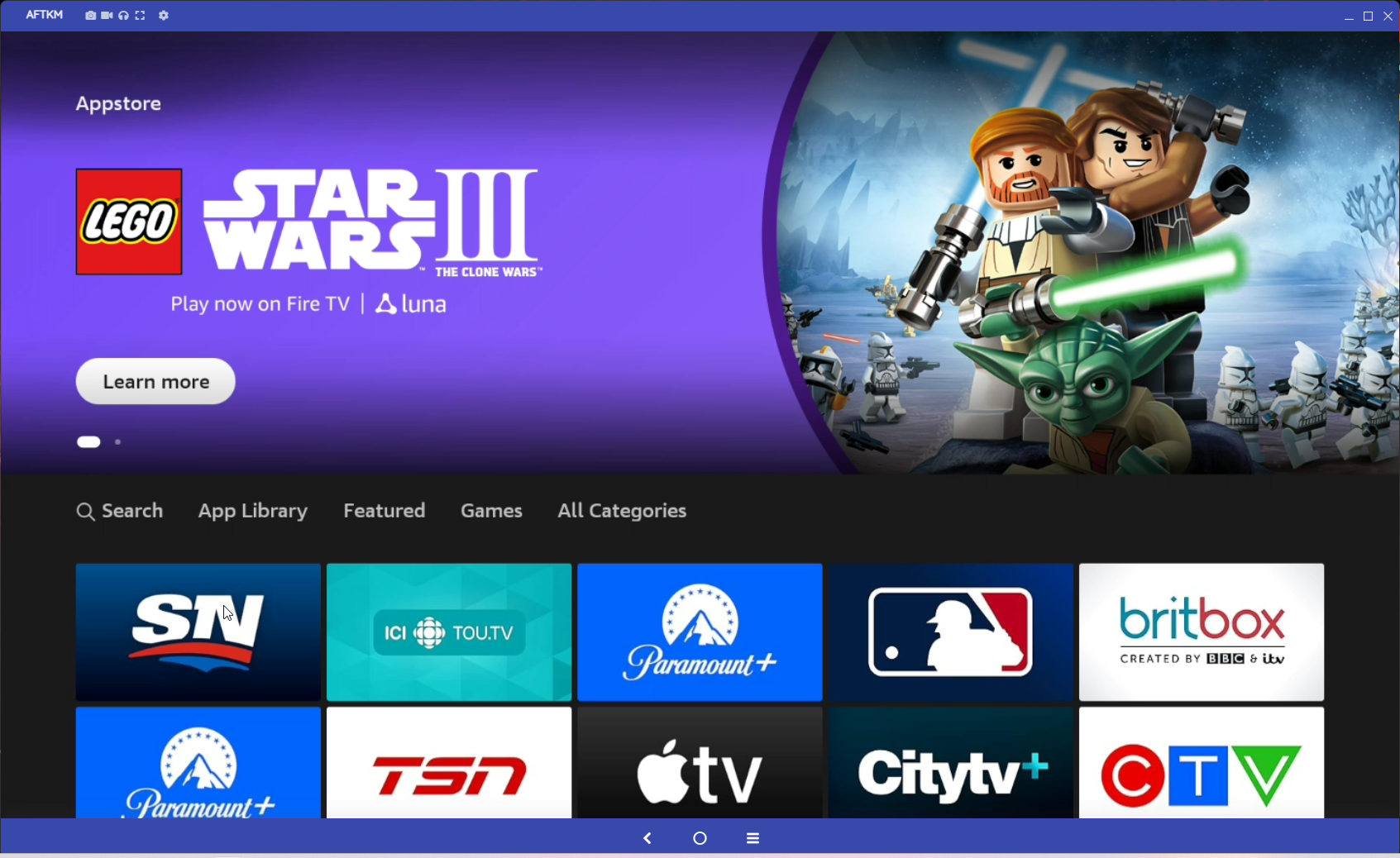
Then go All Categories and down to Utilities
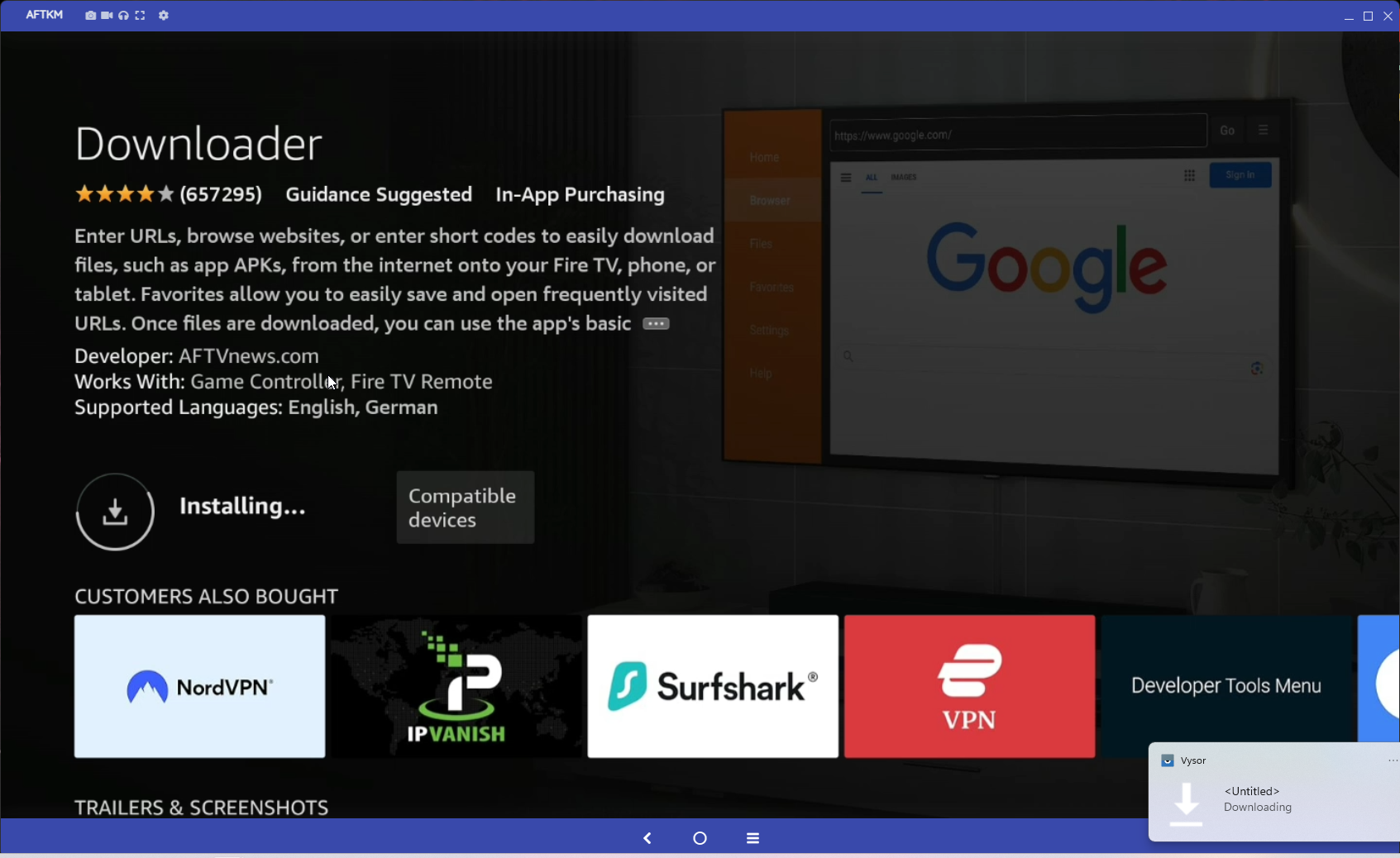
Select Downloader App and in install that.
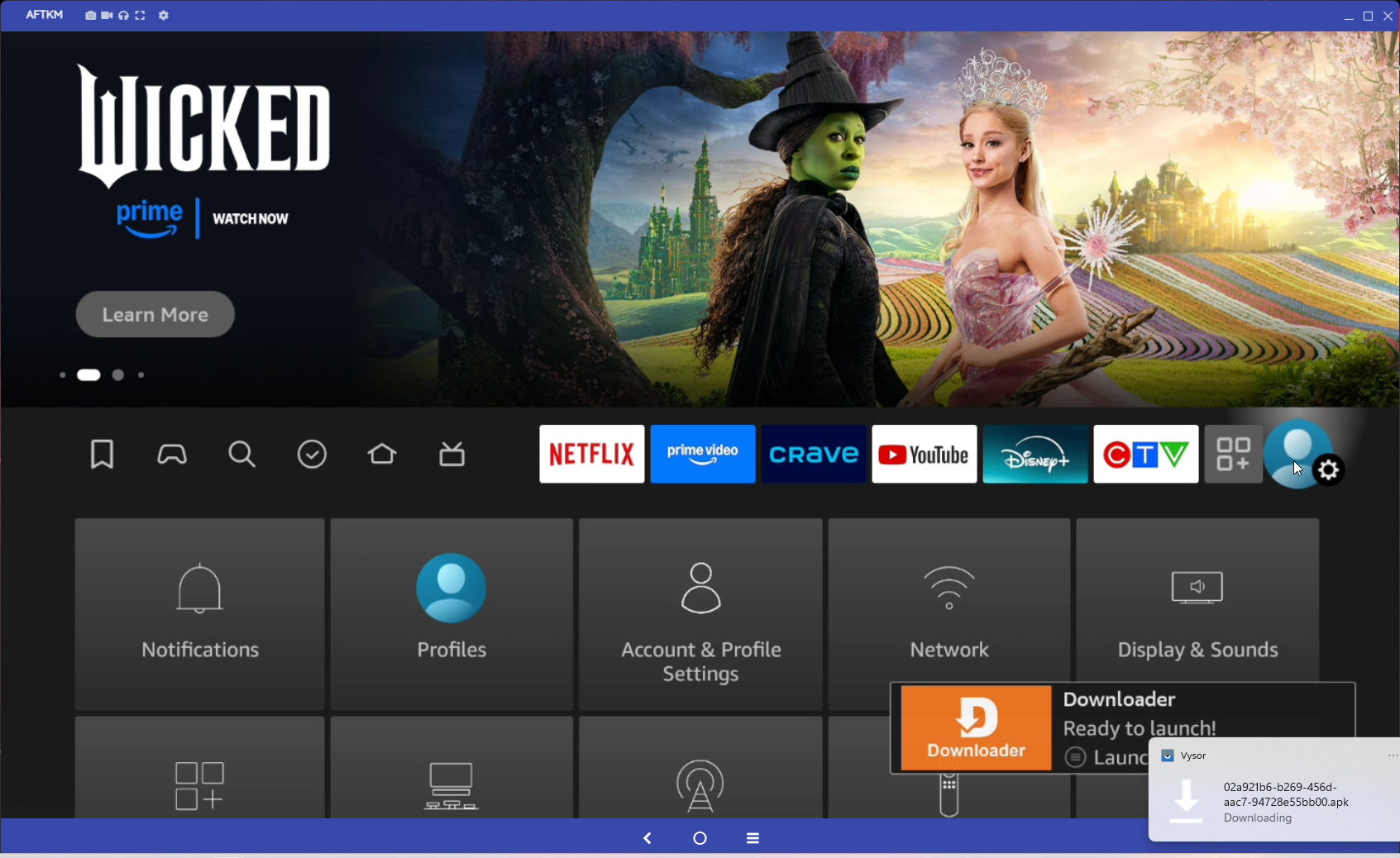
Click the home button while that is installing.
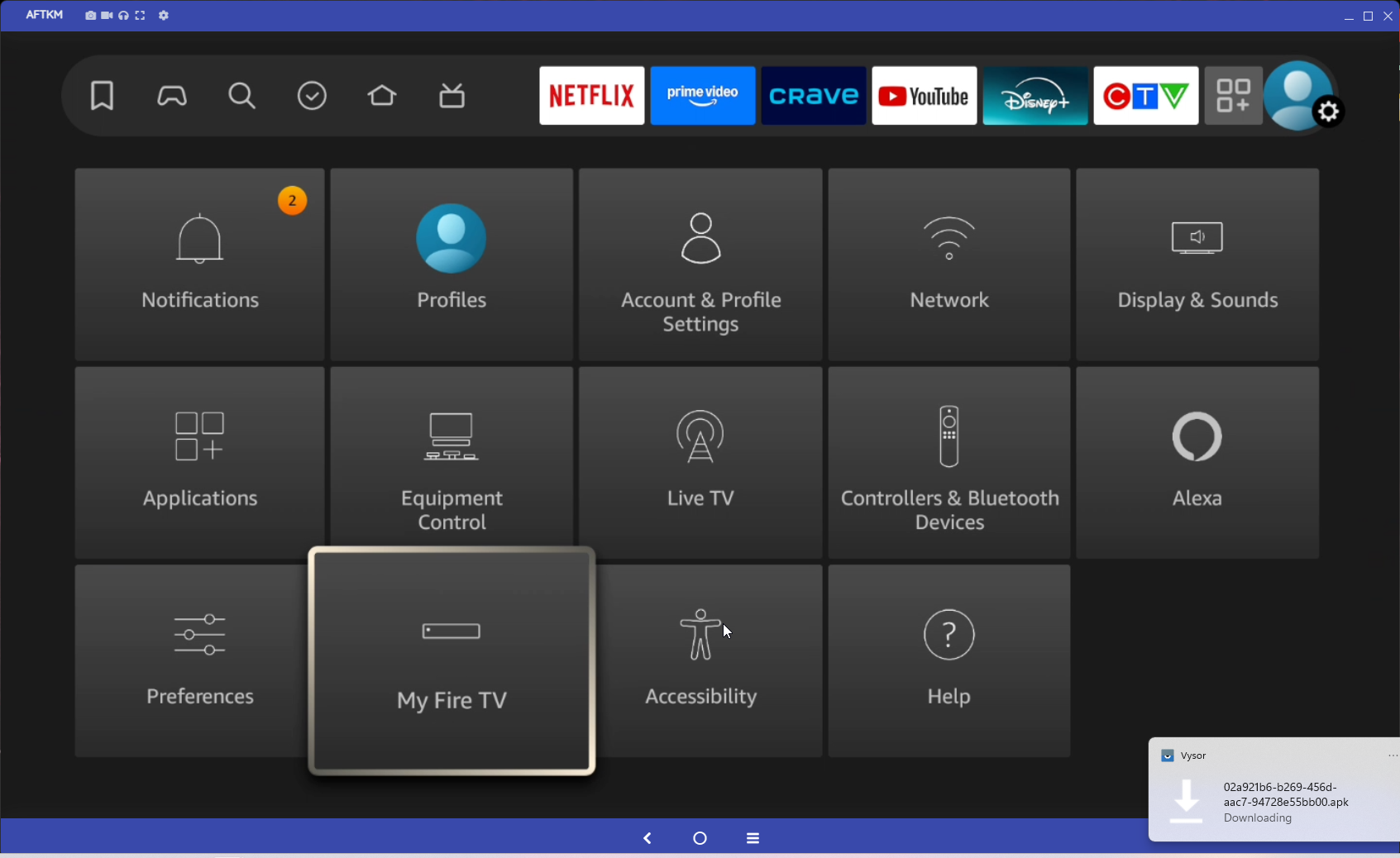
Go to Settings and down to My Fire TV
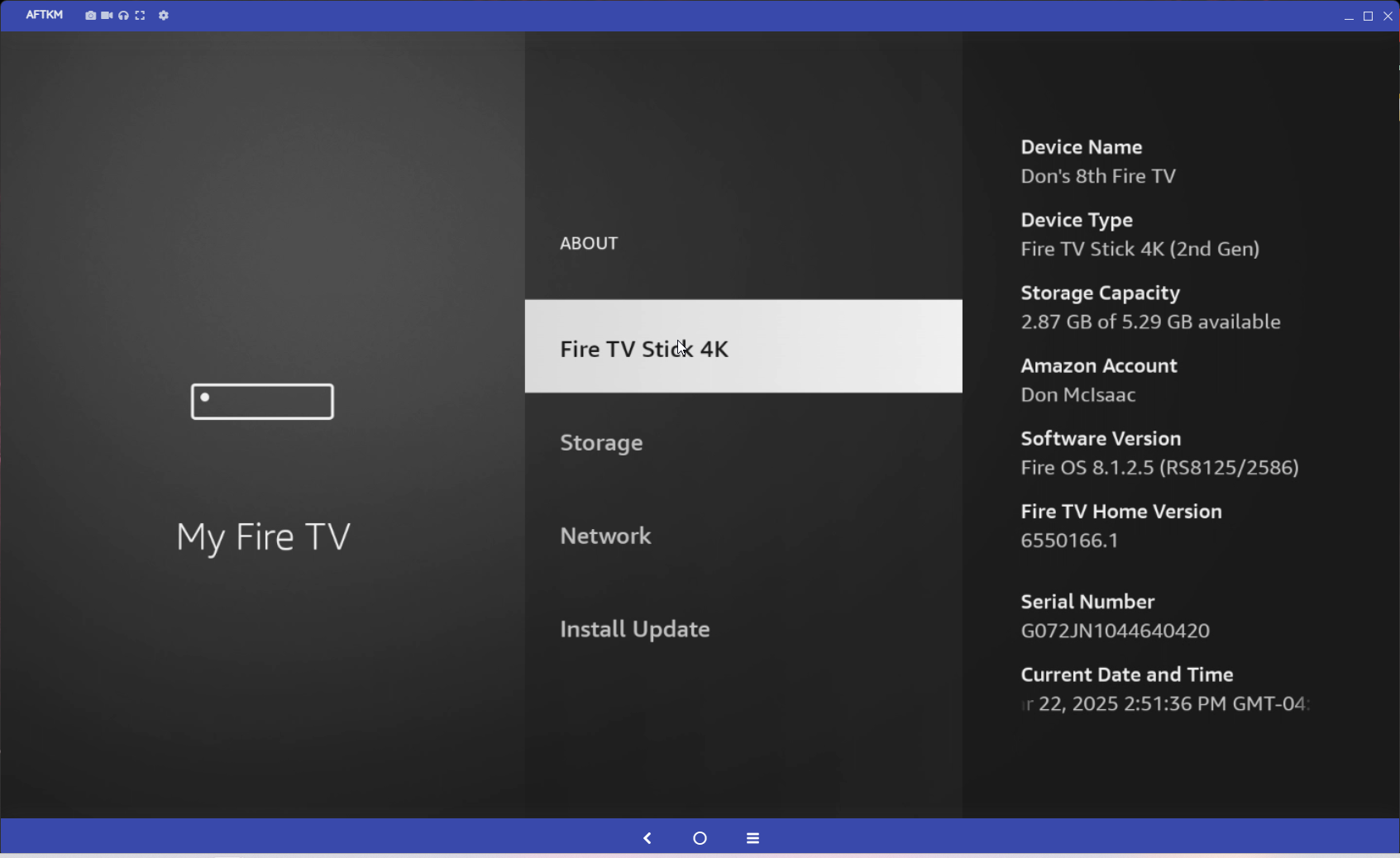
Go to About and click the OK Button 7 times.
Then click back once
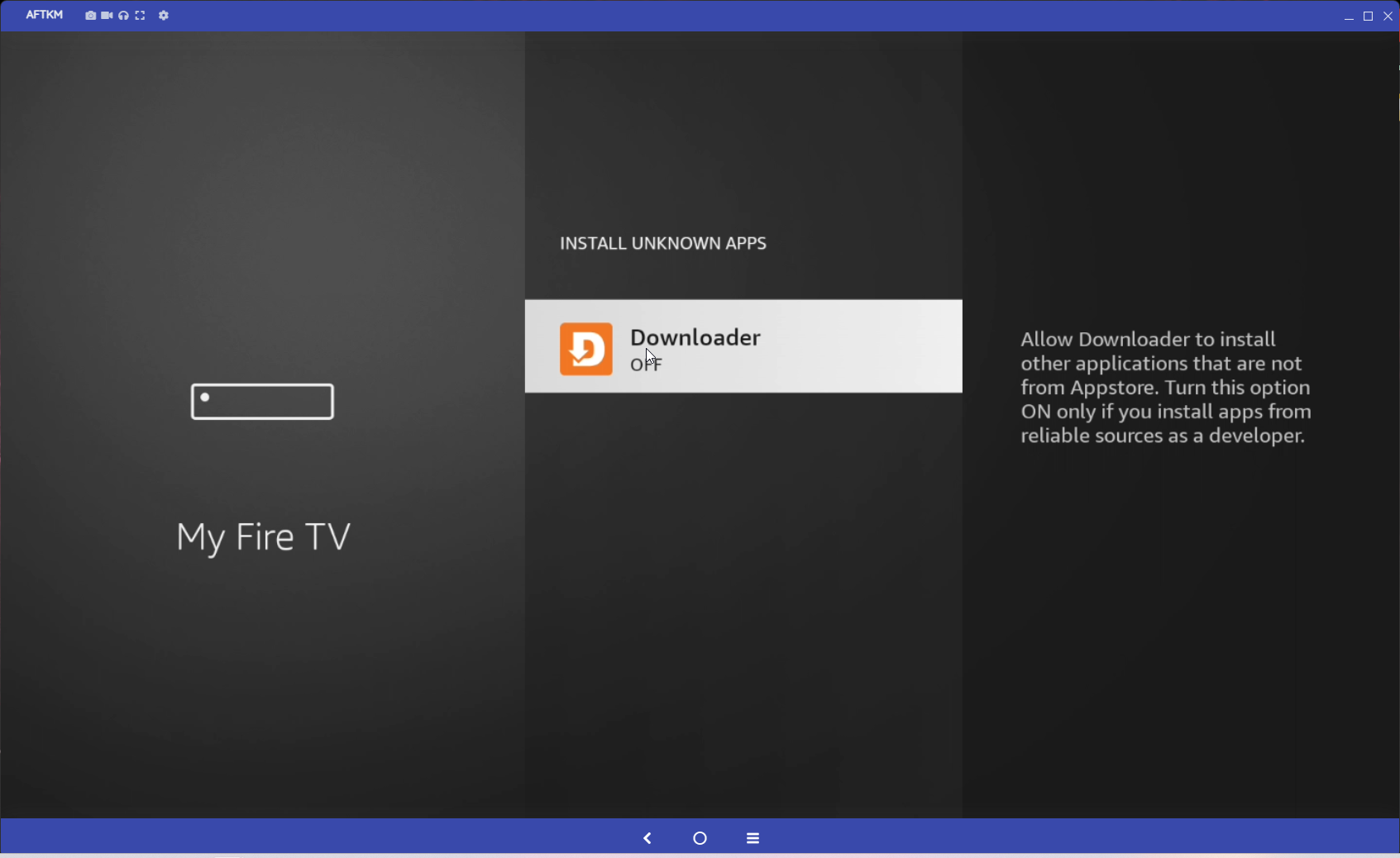
Select Developer Mode
Then turn on Unknown Sources, or if you have different apps list then turn on for Downloader App.
Click on the home button and go to the 3 Squares with Plus Sign icon and located Downloader App
Click to Allow Downloader to access Photo and Media
Then Click OK to say OK to the Welcome to Downloader Popup.
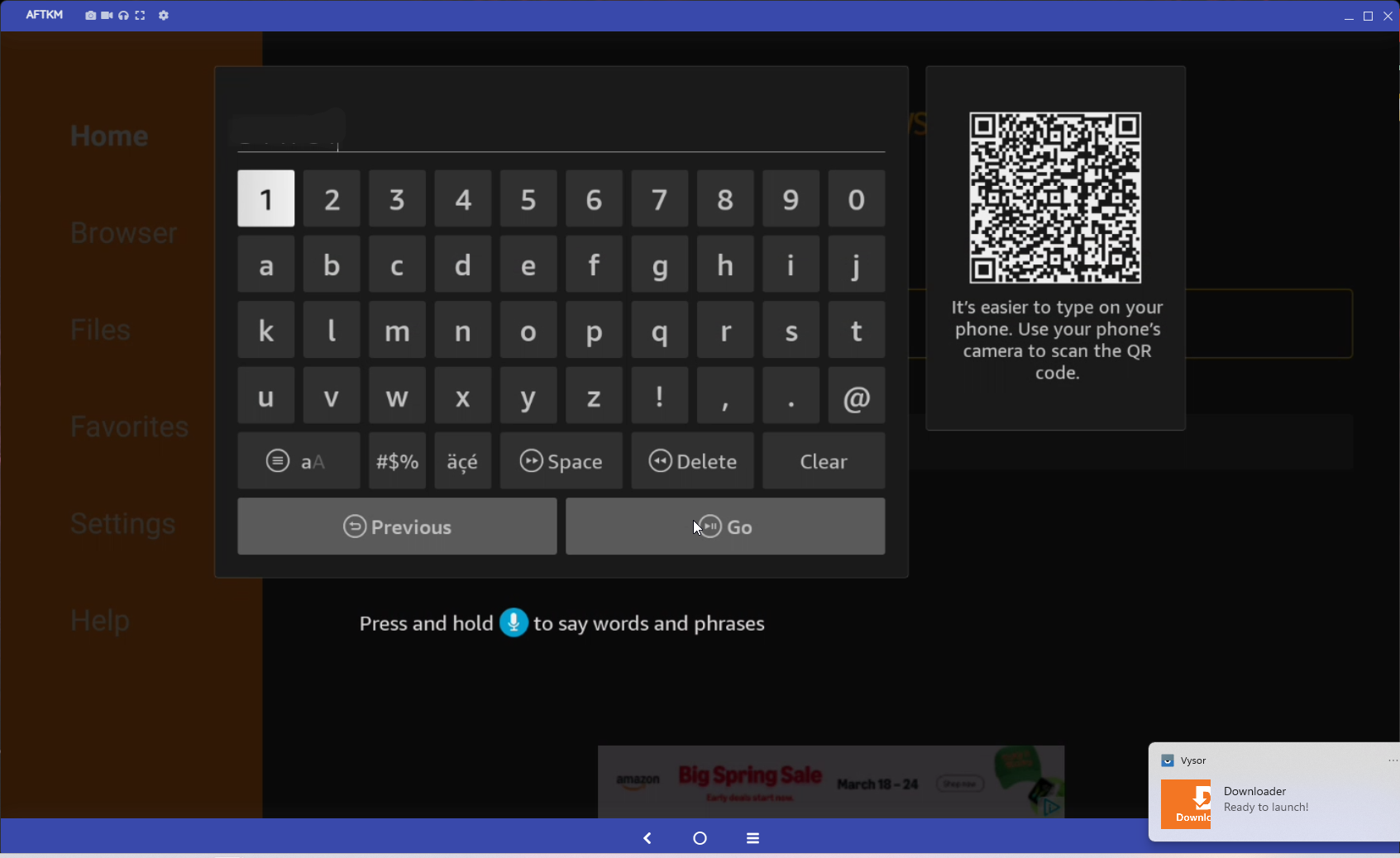
Arrow up until you are in the URL space.
Use any of these Apps
RECOMMENDED - Gethd.Live (TIVIMate) - 3747407 (When creating a play list use Server 2 and your login information) or use the URL of https://gethd.live/files/3747407.apk
or
RECOMMENDED - Netflix Look (Smarters) - 4088510 or use the URL of https://gethd.live/files/4088510.apk
Login using the Login sent in our Welcome to Cloud or Cloud BT Streaming Email
YOU ARE NOW READY TO START WATCHING TV!!!!